APKPure
APKPure quick access to update your apps and games without registration

Safe & Secure
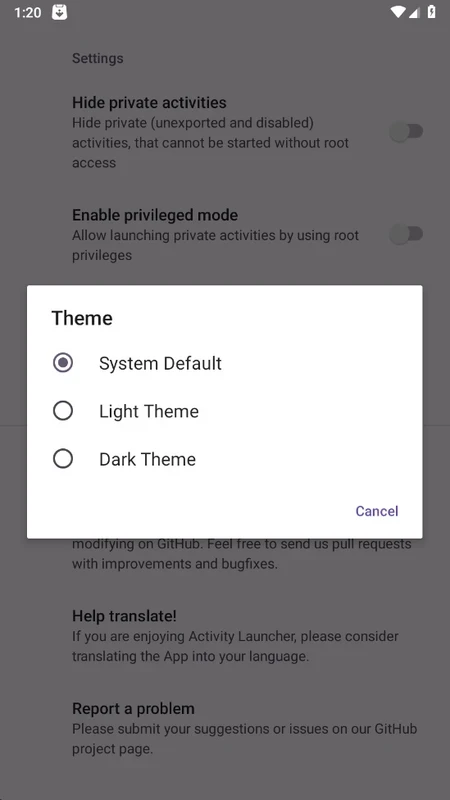
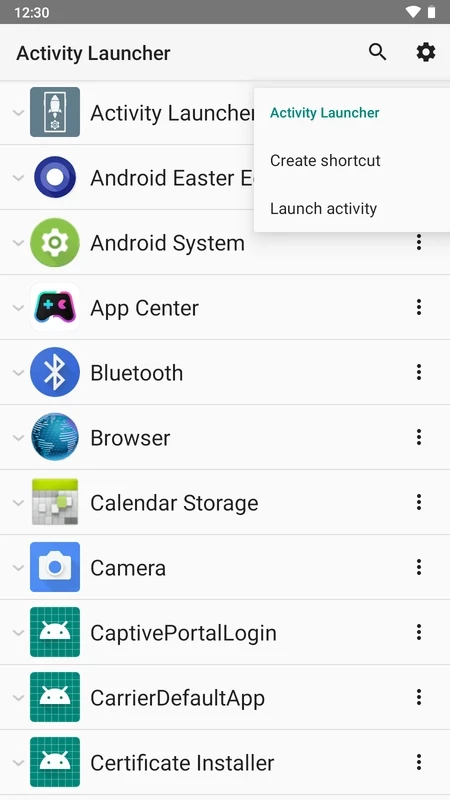
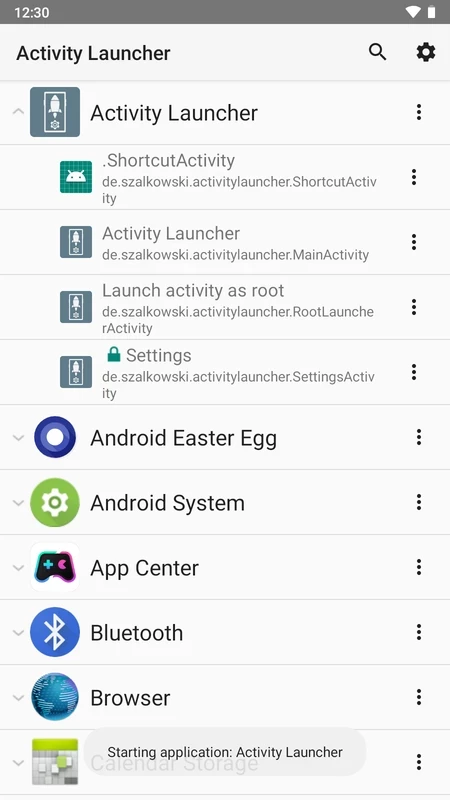
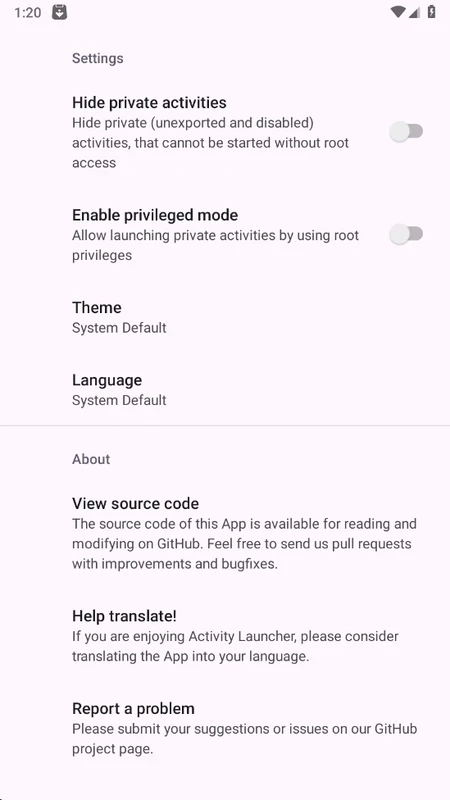
Activity Launcher is a comprehensive tool used for scanning and launching hidden activities, and it creates shortcuts for installed apps on your Android device. It is an open-source utility that offers next-level flexibility and deeper-level control over Android devices.
The free-to-use compact utility is the best solution for accessing the functionalities that aren’t possible to view through the standard interface. It allows you to run the apps in the background, instead of going to every app to open it to keep them running.
Activity Launcher is an open-source and free app that is a part of System Utilities, and is published in the System Maintenance list of apps. It was developed by Adam Szalkowski and was released in 2013. It is regularly updated by the developers, so you can reliably use it for the latest Android versions as well.
It is one of the most popular productivity apps, and enables users to access the hidden activities of their Android device. It offers a simple interface with clearly-defined features for the adjustment of basic technical data without the help of third-party apps.
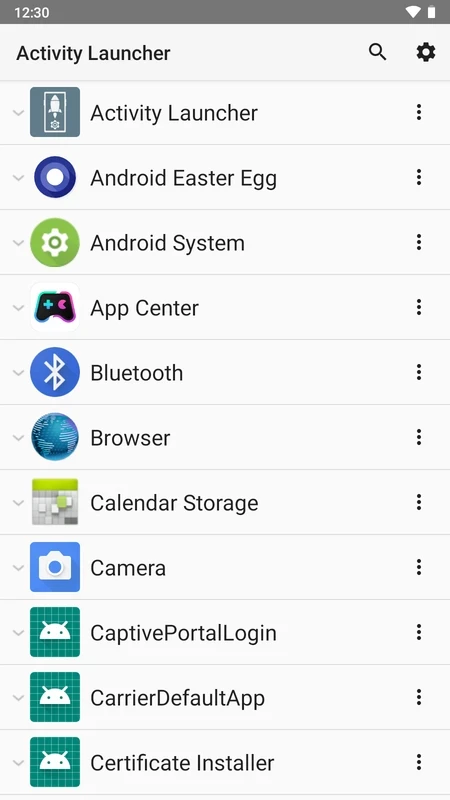
It is one of the core features that exposes all internal activities that are hidden and cannot be viewed on the main app menu. It offers a deep scanning process for interacting with the hidden activities, and creates a list to display all apps and related activities. It is the best solution for tech-savvy users who need to expand the functionalities of installed apps on their devices. It enables users to browse, expand components, see hidden content, and so on, to explore consistently across multiple devices.
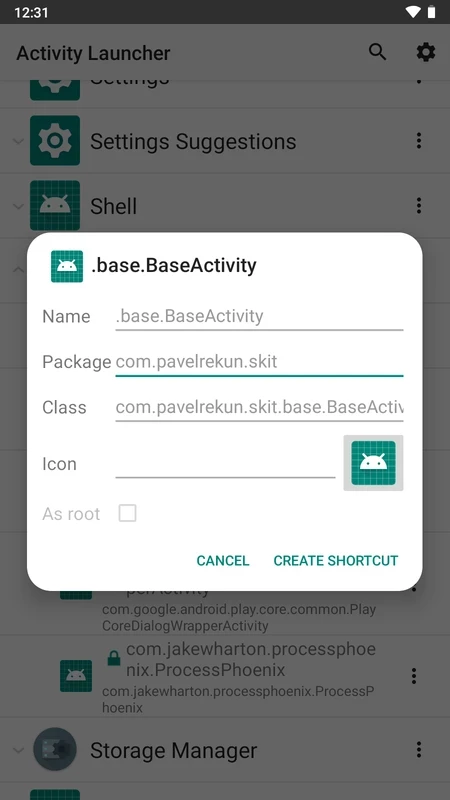
You will find highly customizable shortcut creation, as it offers clarity and visual distinction while allowing you to personalize names, select custom icons, and so on. The key functions are easily accessible within a minimum of steps to simplify the user experience. The generation of shortcuts for specified activities or apps and placing them on the home screen according to your preferences is also possible.
The straightforward interface offers a fast and streamlined workflow and is reliably useful for both the tech-savvy and new learners. The app offers all inaccessible activities, including options screens, developer tools, and unique system settings that are not possible through the standard interface.
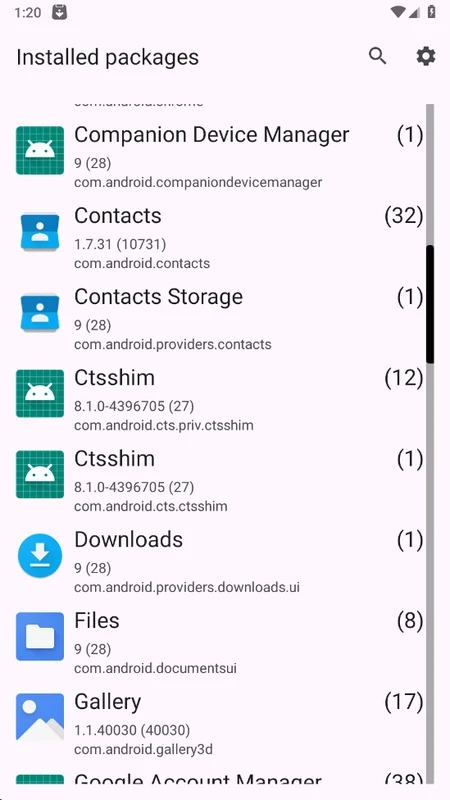
There is minimal lagging, even for devices with a huge number of installed apps, and you can create or edit shortcuts directly and uncomplicatedly within a few clicks. On the main screen, you will find a list of installed apps. Simply select the app, and find out all related hidden activities.
The app enables users to reliably access and launch the hidden activities directly, such as settings panels, test pages, specific app screens, and so on. The one-click process makes it quick and smooth, even to visit the common tasks such as navigating to app info or hidden features. So, it is the best solution for developers and testers to debug or configure settings to modify the specific system preferences to save time.
The innovative feature is one of the unique functionalities that gives the app a prominent position among multiple such apps. You not only have access to hidden activities, but also tailor the interface according to your preferences. The ongoing development and community input are also part of it because of the open-source capability. However, the novice needs some learning skills to manage the interface.
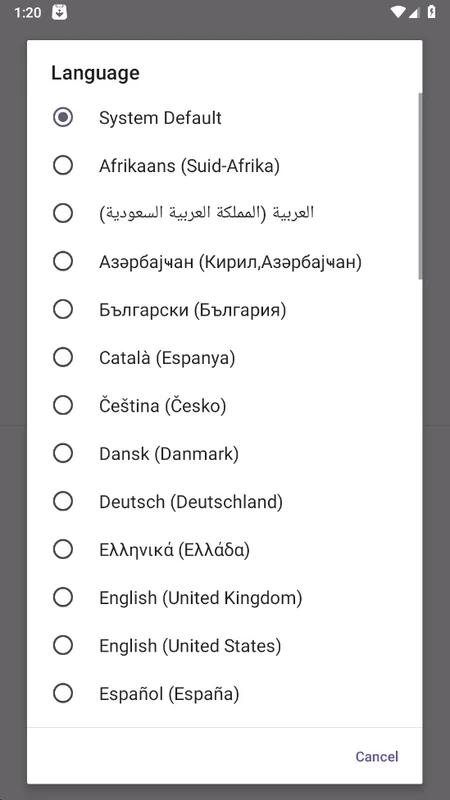
The app doesn’t require intrusive permissions for accessing the layout or installed apps. There is no requirement of rooting the device or have elevated privileges to continue the workflow. In addition, the built-in translation feature is also there for your ease to control the launching of hidden activities or create shortcuts more reliably. However, the supported languages are few, and users can bridge this gap while interacting with the community.
The open-source functionality allows users and developers to take part in the development of the app alike. It allows users to add new features, fill the translation gap, and promote a sense of community within this collaborative approach. Moreover, the incorporation of various Interactive Elements enhances the app’s capabilities.
You can access the source code of the app easily, as it is published on GitHub, and it makes it possible for anyone to review, contribute to the development, and modify the app. The seamless transparency makes sure the integrity and functionality of the app is trusted, and leads the developers to reliably experiment with the app.
Pros
Cons

APKPure quick access to update your apps and games without registration

vnROM BYPASS FRP GOOGLE ACCOUNT from your Android device

Aptoide APK provides limitless apps to install and share

Download Google Play Store APK for Android and enjoy your favorite Android apps or games on your mobile devices

FRP Bypass is a free tool used for bypassing the Google lock, screen lock, and factory reset.

InstaUp automates your Instagram followers free of charge